
FlowDevs
Constrain the Problem, Not the Intelligence
Effective AI prompting requires constraining the problem, permissions, and success criteria, not the intelligence. Learn how to empower your AI agents.
Aug 1, 2026 · 4 min read
Read more
November 2, 2025 · 3 min read · Justin Trantham
Fully automate QuickBooks Desktop patching with QB-Flow. Our new year filter gives you total control for Windows 11 & AVD migrations. Stop manual updates.
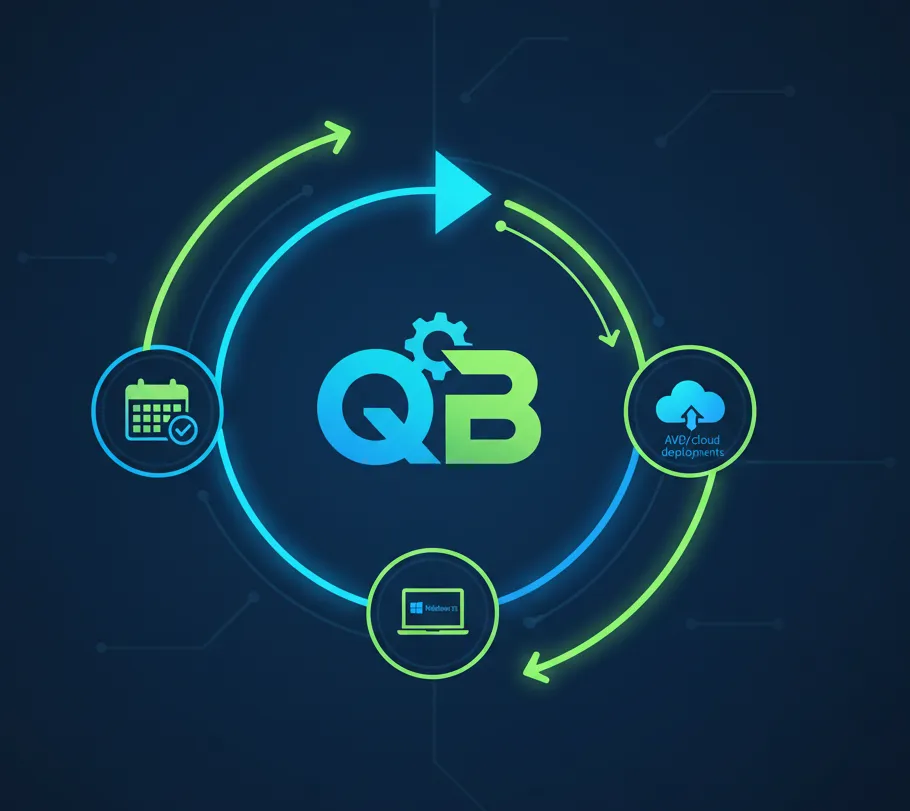
We are excited to announce a new QB-Flow capability designed specifically for organizations standardizing their QuickBooks footprint. As many of our customers consolidate to fewer desktop versions ahead of Windows 11 migrations, the ability to target only the editions you rely on has become mission critical. Today, QB-Flow delivers exactly that.
Year filtering on demand - Operators can now supply QB-Flow with a whitelist of QuickBooks release years before running an update cycle. QB-Flow will download, stage, and install refreshes exclusively for the specified releases, skipping every other version automatically.
Works with major and minor updates - The filter applies across the full workflow: license XML downloads, installer extraction, MSI comparisons, and patch-channel updates. If a release year is not selected, both major upgrades and incremental patches are ignored, keeping non-compliant versions dormant.
No change to disable policy - Existing behaviour that disables unattended updates for all non-targeted years remains in place. You keep a clean, predictable environment without hunting down stray auto-updaters.
Smoother Windows 11 moves - Customers moving to new AVD hosts or Windows 11 desktops can standardize on the exact QuickBooks Enterprise and Premier editions they will support, reducing storage bloat and the need to vet extra binaries.
Lean deployments - Download traffic, extraction time, and maintenance windows shrink because QB-Flow skips the unused catalog of historical releases.
Operational confidence - Administrators control precisely which QuickBooks footprints stay current while everyone else remains frozen, satisfying compliance mandates with less manual oversight.
Launch QB-Flow with the /customerid flag as you do today, providing the licensed customer identifier.
Add the optional /years parameter followed by the QuickBooks years you want updated. Example: QB-flow.exe /customerid cus_ABC123 /years 2023,2024
Separate multiple years with commas or spaces, QB-Flow takes care of the rest.
Combine with /deletepublicdesktop if needed to clean up shared desktop icons in the same pass.
If the /years flag is omitted, QB-Flow behaves exactly as before, scanning and updating every supported QuickBooks installation it discovers.
One of our enterprise clients is refreshing their hosted desktop fleet and only wants QuickBooks Enterprise 2023 & 2024 plus Premier 2023 & 2024 installed. Using the new filter, their deployment team can now keep those four editions patched automatically while leaving every other legacy release untouched. Fewer installers to download, fewer binaries to validate, and zero risk of older editions slipping back into service.
We are continuing to invest in automation that keeps your QuickBooks environment current with less effort. Stay tuned for:
Enhanced reporting around which versions were updated (or intentionally skipped) during each run
Policy presets so you can codify preferred year combinations per customer or location
Expanded webhook integrations to broadcast update outcomes to your operations tools
Reach out clientsupport@flowdevs.io. We would love to hear how you plan to use selective QuickBooks updates and what improvements would make it even more powerful for your team.
Effective AI prompting requires constraining the problem, permissions, and success criteria, not the intelligence. Learn how to empower your AI agents.
Aug 1, 2026 · 4 min read
Read moreStop copy-pasting standard code snippets. Learn how AI coding agents use system context to automate workflows, fix bugs, and build better software.
Jul 30, 2026 · 5 min read
Read moreA case study on why fixed UI is becoming less important and how runtime-rendered interfaces can revolutionize operational software and business workflows.
Jul 30, 2026 · 7 min read
Read moreWe build the systems described here. A short call is usually enough to tell whether it's worth building.