
FlowDevs
Constrain the Problem, Not the Intelligence
Effective AI prompting requires constraining the problem, permissions, and success criteria, not the intelligence. Learn how to empower your AI agents.
Aug 1, 2026 · 4 min read
Read more
November 8, 2025 · 2 min read · Justin Trantham
Stop manually installing the QuickBooks Tool Hub. QB-Flow's new feature lets you silently install or uninstall the Tool Hub in the same scripted run as your updates.
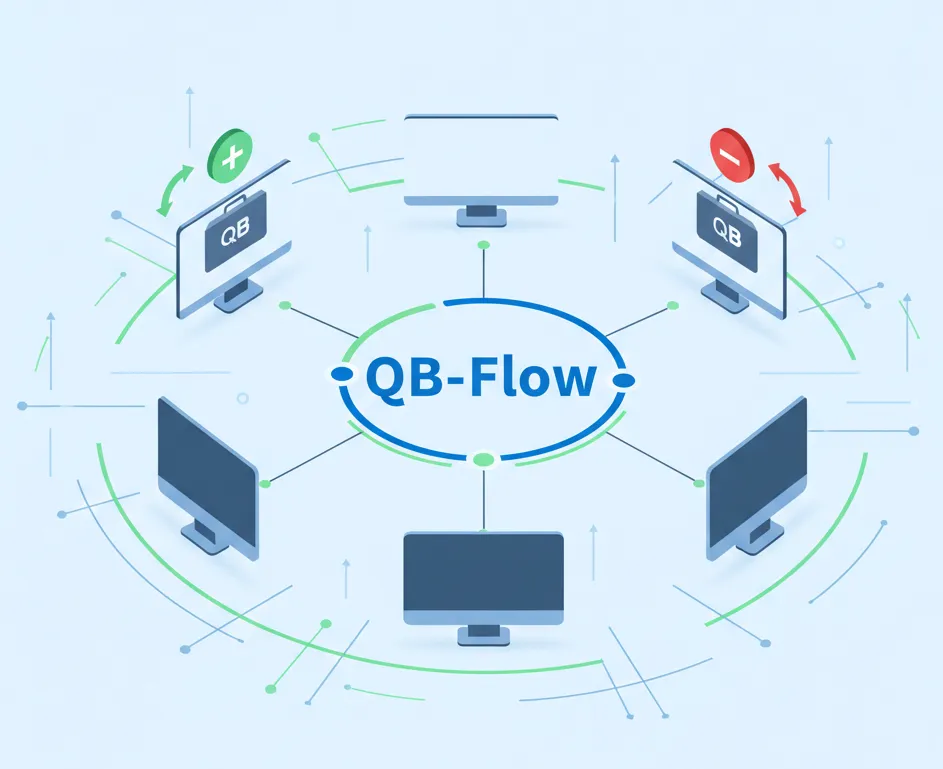
The QuickBooks Tool Hub is an essential utility for support teams, but let's be honest: deploying it or cleaning it up across dozens of hosts is a manual chore. This latest update to QB-Flow changes that.
You can now install or remove the Tool Hub in the same secure, scripted run as your routine update jobs. No more manual downloads, no RDP sessions, and no extra packaging.
We've introduced two new switches to manage the Tool Hub seamlessly:
/qbtools install: This command downloads the official QuickBooks Tool Hub directly from Intuit, runs the silent installer (QuickBooksToolHub.exe /S /v/qn), and handles cleanup automatically.
/qbtools uninstall: This triggers a silent removal (msiexec /x {5A43047E-1ACD-F4F89-99E6-69988300E6AB} /quiet) to ensure the Tool Hub is gone, perfect for when a hardened image demands it.
Best of all, you can combine these switches with your existing flags. Now you can update QuickBooks, tidy desktop icons, and enforce Tool Hub policy in a single QB-Flow execution.
Consistent Tooling: Every host gets the same Intuit-signed binary directly from the vendor. This reduces drift and standardizes your environments.
Faster Remediation: Need the Tool Hub for a support session? Deploy it immediately. Need it gone afterward for security? Remove it just as fast.
Lower Operational Effort: Stop juggling extra PowerShell scripts or copying EXEs. The tooling now lives inside the QB-Flow process you already use for QuickBooks upkeep.
Here are the commands in action.
To install Tool Hub:
QB-flow.exe /customerid <CustomerID> /qbtools install
To remove Tool Hub:
QB-flow.exe /qbtools uninstall
To layer it with other update commands:
QB-flow.exe /customerid <CustomerID> /years 2023,2024 /deletepublicdesktop /qbtools install
Each run logs the start and end status, so you always have a trace of when the Tool Hub was applied. And don't worry, if the uninstall command runs on a system where Tool Hub is already absent, QB-Flow simply notes it and continues gracefully.
We're continuing to script the everyday tasks admins handle around QuickBooks. Upcoming work includes richer reporting on selective-year updates and policy presets for common deployment profiles.
If there's another helper utility you'd like wired into QB-Flow, let us know!
Drop a note to clientsupport@flowdevs.io or message your Flow Devs success partner. We're happy to walk through the new switches and help you fold them into your automation.
Effective AI prompting requires constraining the problem, permissions, and success criteria, not the intelligence. Learn how to empower your AI agents.
Aug 1, 2026 · 4 min read
Read moreStop copy-pasting standard code snippets. Learn how AI coding agents use system context to automate workflows, fix bugs, and build better software.
Jul 30, 2026 · 5 min read
Read moreA case study on why fixed UI is becoming less important and how runtime-rendered interfaces can revolutionize operational software and business workflows.
Jul 30, 2026 · 7 min read
Read moreWe build the systems described here. A short call is usually enough to tell whether it's worth building.