
FlowDevs
Constrain the Problem, Not the Intelligence
Effective AI prompting requires constraining the problem, permissions, and success criteria, not the intelligence. Learn how to empower your AI agents.
Aug 1, 2026 · 4 min read
Read more
December 27, 2025 · 4 min read · Justin Trantham
Lovable vs Figma Make: Compare Lovable's chat-first app builder with Figma Make's design-first AI workflow speed, collaboration, code ownership, and publishing.
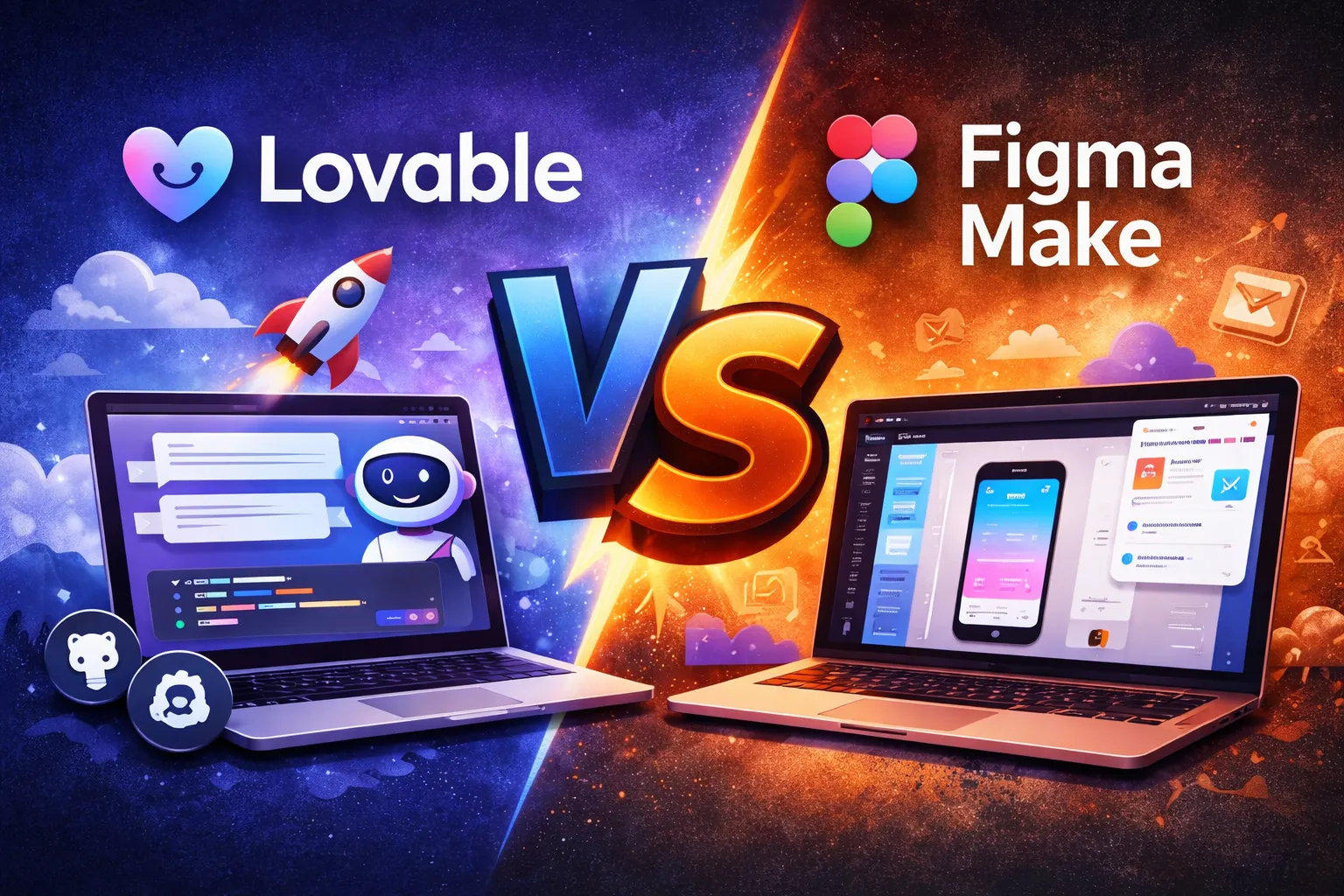
If you're searching Lovable vs Figma Make, you're probably trying to answer one question: do I want a chat-first app builder, or a design-first prompt-to-code builder inside Figma?
Lovable (often spelled "Loveable") is best when you want to ship a working app fast, then own the code via GitHub and deploy anywhere.
https://lovable.dev/
Figma Make is best when you want to turn designs (or ideas) into functional prototypes/web apps and iterate visually inside Figma with sharing/publishing built in.
https://help.figma.com/hc/en-us/articles/31304412302231-Explore-Figma-Make
Lovable is a chat-based builder for creating web apps and websites, with practical "ship it" features like custom domains and GitHub sync depending on your plan.
Lovable home: https://lovable.dev/
Lovable pricing: https://lovable.dev/pricing
A standout differentiator: Lovable's GitHub integration supports two-way sync (Lovable ↔ GitHub), which makes it easier to hand a project to engineers, keep a backup, or deploy elsewhere.
Figma Make is an AI-driven tool inside the Figma ecosystem designed to bring ideas and existing Figma designs to life as functional prototypes, web apps, and interactive UI through a conversation + preview workflow.
Notable design-native capabilities:
You can attach Figma designs/components/Community content to prompts
You can point to parts of the preview to request changes
It's collaboration-friendly (shared context + shareable previews)
You can publish to a dedicated URL (and support custom domains through Figma's publishing flow, depending on plan/settings)
Seat availability matters: Figma Make access depends on your plan/seat type.
Lovable: Start from a prompt and build toward a deployable app (great for MVPs and internal tools).
https://lovable.dev/
Figma Make: Start from prompts and/or existing Figma design context (frames/components/libraries) and iterate in a live preview.
https://help.figma.com/hc/en-us/articles/31304412302231-Explore-Figma-Make
Lovable: Built around GitHub sync as a core workflow (useful for handoff + "own the repo" mindset).
https://docs.lovable.dev/integrations/github
Figma Make: Can push code to GitHub, but it's typically more export-oriented than a full round-trip "sync back into Make" workflow.
Figma Make: Strong prototype-to-link flow: share previews and publish quickly inside the design environment.
https://help.figma.com/hc/en-us/articles/31304412302231-Explore-Figma-Make
Lovable: Custom domains and publishing are available via Lovable's plan features.
https://lovable.dev/pricing
Both tools can connect to real backends, but they approach it differently:
Figma Make: Designed for design-to-functional experiences, with options that can connect to real data/backends depending on your workflow.
Lovable: Often used for full MVP flows (auth + database + payments), with docs and patterns focused on shipping.
You want prompt → app → GitHub → deploy, with GitHub being central to the workflow
https://docs.lovable.dev/integrations/github
You care about plan features like custom domains and builder-focused collaboration
https://lovable.dev/pricing
You already live in Figma and want design context to drive the build (components/frames → functional UI)
https://help.figma.com/hc/en-us/articles/31304412302231-Explore-Figma-Make
You want fast collaboration and shareable previews right in the design environment
https://help.figma.com/hc/en-us/articles/31304412302231-Explore-Figma-Make
If your goal is to ship a working app fast and you care about owning the code and handing it off cleanly, Lovable is the better default.
https://lovable.dev/
If your goal is to turn designs into functional prototypes/apps and iterate visually inside the product your team already uses, Figma Make is the better fit.
https://help.figma.com/hc/en-us/articles/31304412302231-Explore-Figma-Make
Effective AI prompting requires constraining the problem, permissions, and success criteria, not the intelligence. Learn how to empower your AI agents.
Aug 1, 2026 · 4 min read
Read moreStop copy-pasting standard code snippets. Learn how AI coding agents use system context to automate workflows, fix bugs, and build better software.
Jul 30, 2026 · 5 min read
Read moreA case study on why fixed UI is becoming less important and how runtime-rendered interfaces can revolutionize operational software and business workflows.
Jul 30, 2026 · 7 min read
Read moreWe build the systems described here. A short call is usually enough to tell whether it's worth building.